Cell Architecture Studio — 3D Interactive Atlas of the Cell
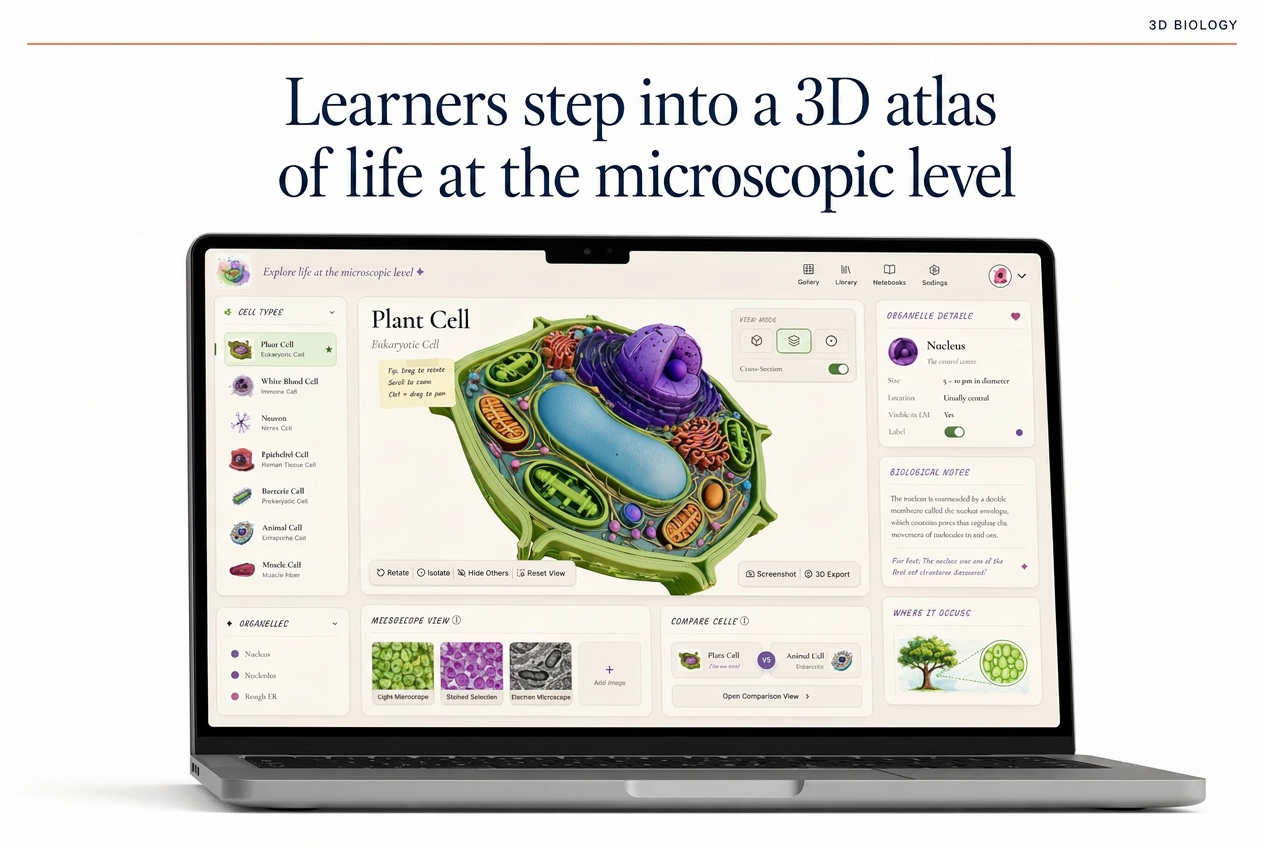
A custom 3D learning environment for K-12 biology: rotate any cell, slice it open, switch microscopes, and compare two cells side by side.
Project Overview
A K-12 biology curriculum publisher that had been licensing textbook diagrams from a stock library and getting bored students. They wanted a 3D atlas teachers could drop into existing lesson plans across two districts, with no IT involvement and no plugin to install.
The brief was a browser-native tool that biology teachers across two districts could drop into existing lesson plans without IT involvement. It had to run on five-year-old Chromebooks, work without an install, and let students explore six cell types deep enough to support a full unit of inquiry.
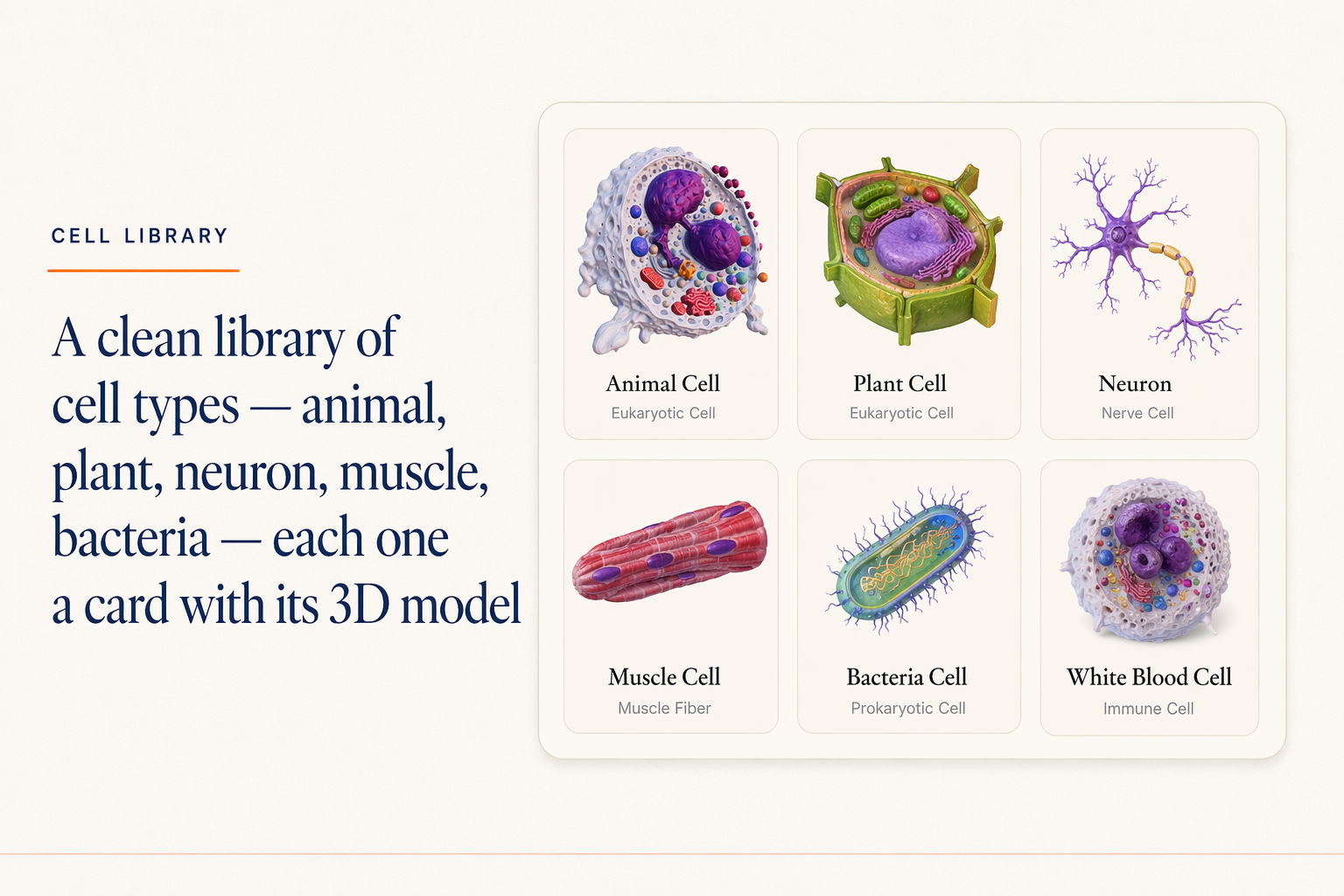
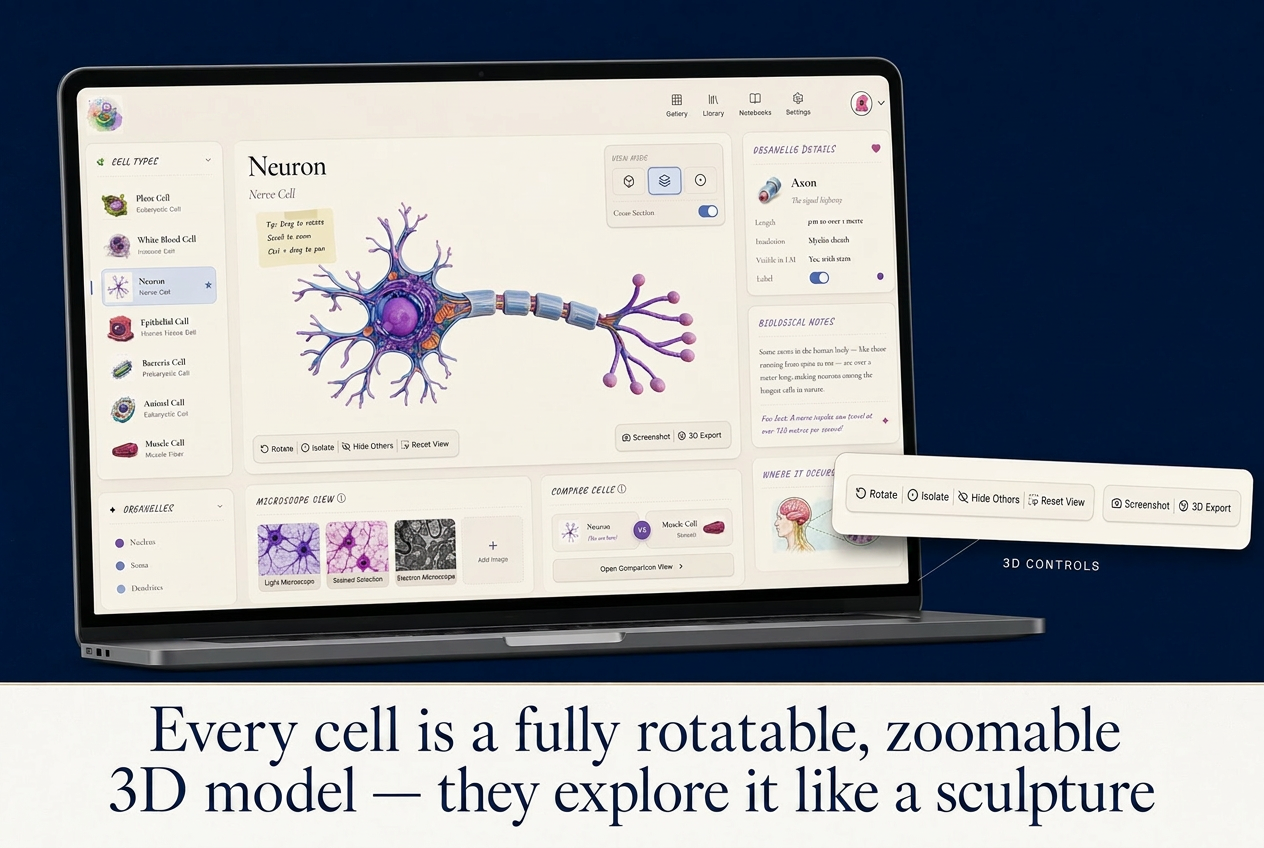
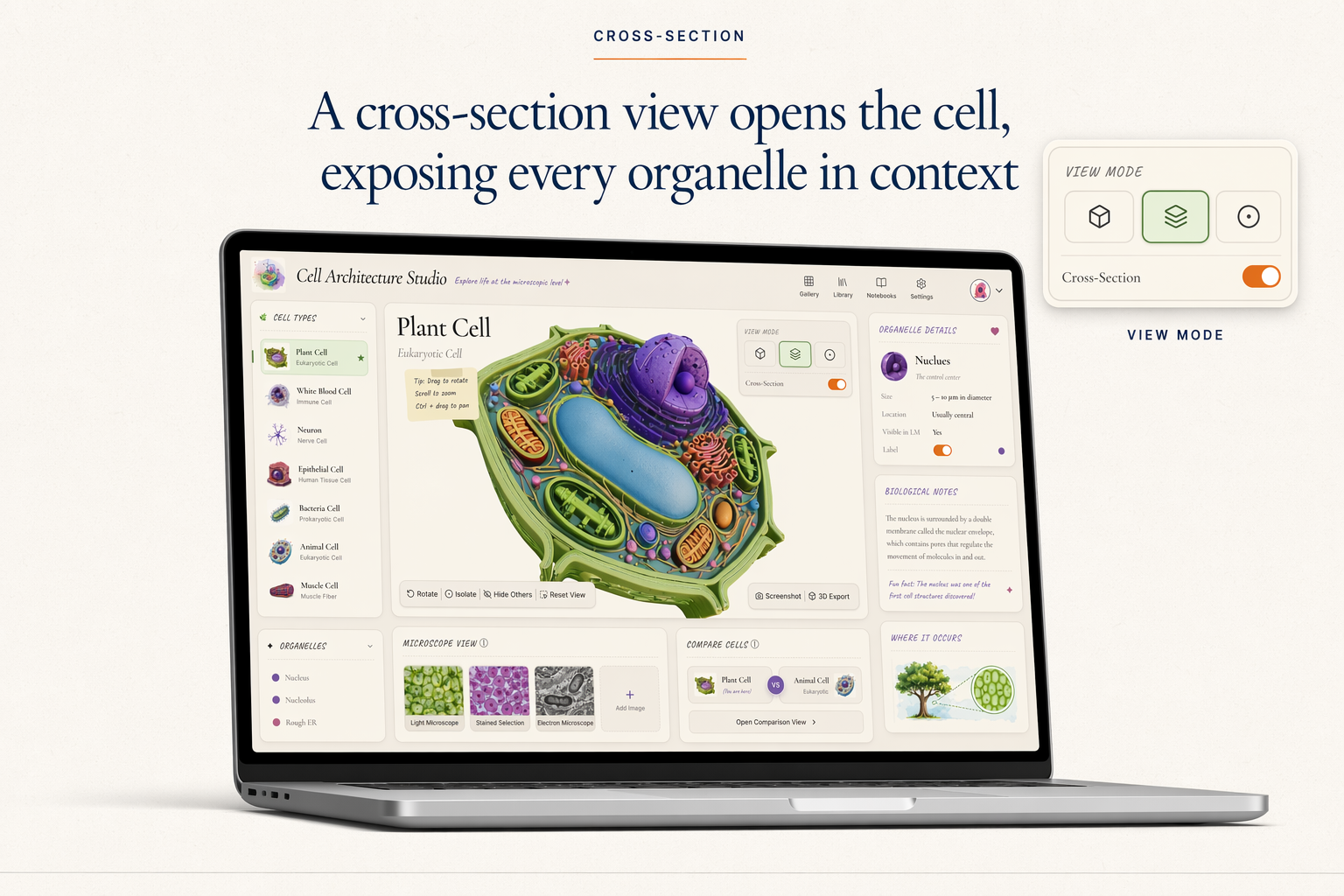
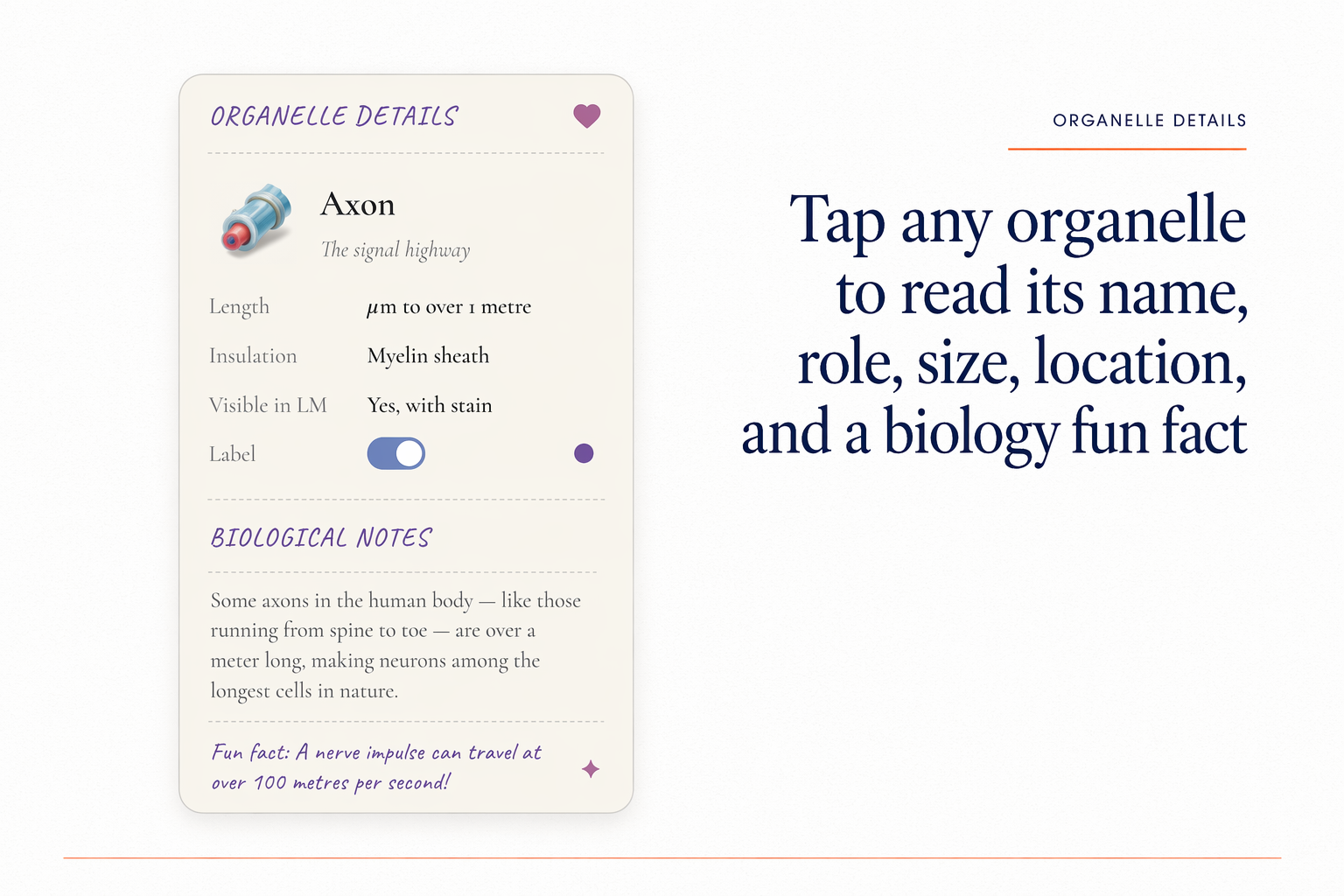
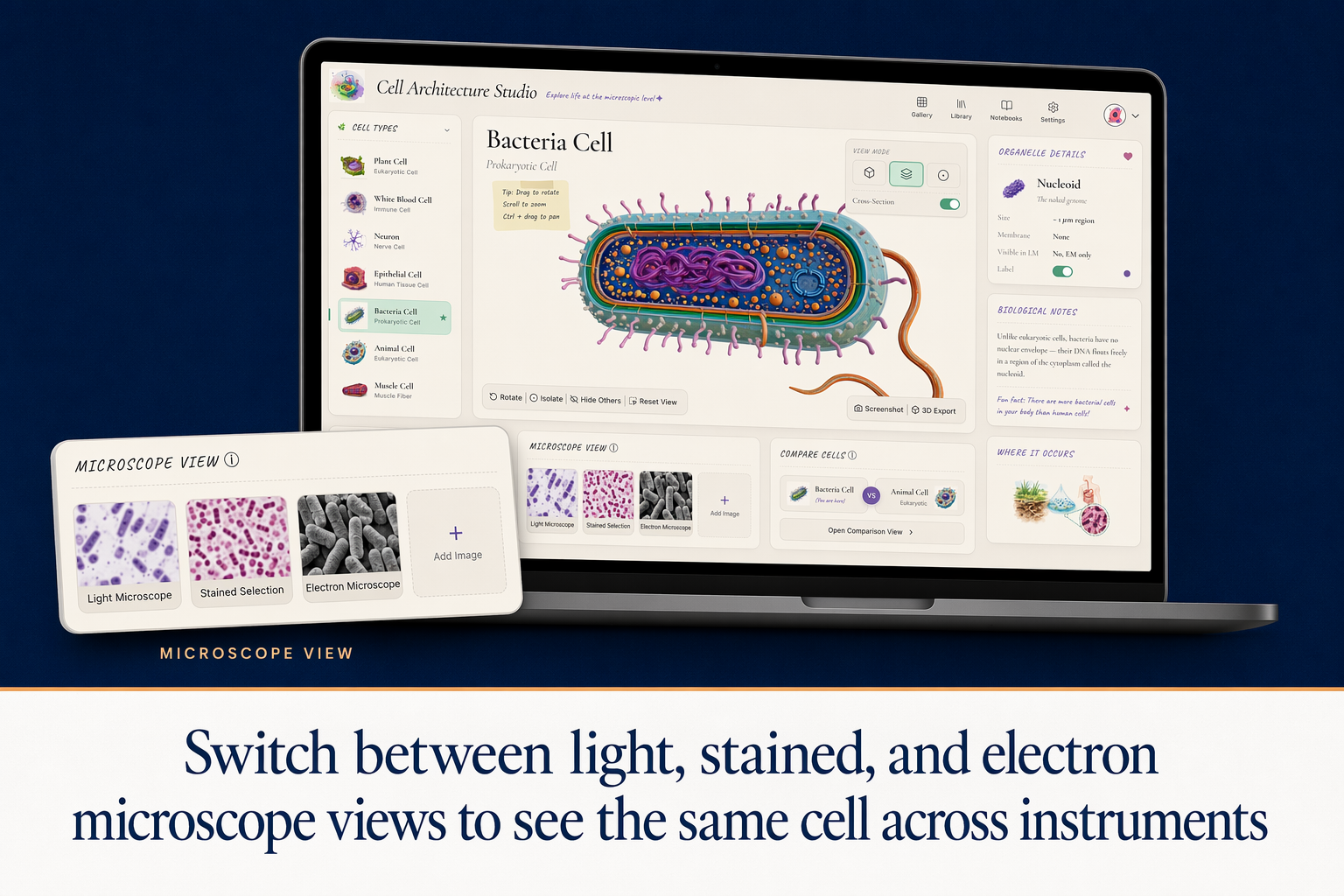
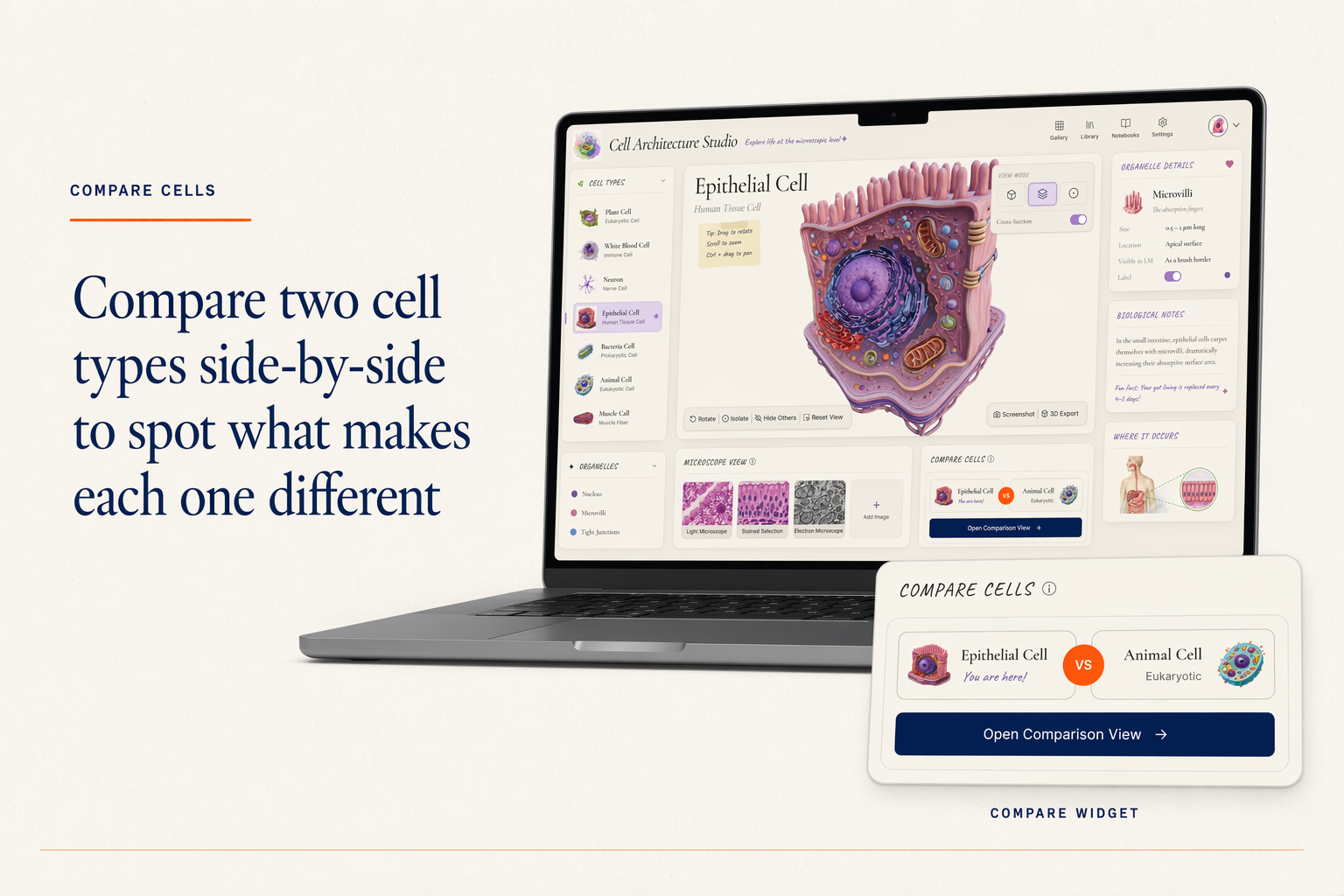
Learners pick a cell from a library of six types: animal, plant, neuron, muscle, bacteria, and white blood cell. Each opens in a 3D viewer with rotate, zoom, and slice controls. A cross-section exposes every organelle in context, with labelled detail in a side panel. A microscope toggle switches the same cell between light, stained, and electron views. A compare widget loads any two cells side by side.
Every organelle, label, and microscope view was reviewed against the source material before shipping. The studio is built as a reusable component kit, so adding a tissue module or a pathogen module reuses the viewer, microscope toggle, and compare widget rather than rebuilding from scratch.
What's Inside
6 cell types in 3D
Animal, plant, neuron, muscle, bacteria, and white blood cell, each modelled in Blender and validated against reference material.
Whole-cell and cross-section views
Slice any cell open to expose every organelle in context.
Organelle detail panel
Labels, notes, and toggleable highlights for every organelle.
Microscope view toggle
Switch the same cell between light, stained, and electron microscope visualisations.
Compare widget
Load any two cells side by side, with shared zoom and rotation.
Teacher-facing lesson packet
Aligned to NGSS and state standards, with prompts and discussion questions per cell.
What the Client Provided
- A 280-page biology textbook (PDF) with the cell unit highlighted
- The publisher's NGSS alignment document
- Organelle reference sheet from a cell biologist
- Two Loom walkthroughs from veteran teachers showing how they currently introduce each cell type
- Brand guidelines (PDF) and the publisher's existing illustration library
Design and Build Process
Content Mapping
Mapped which organelles each cell type should show, what gets labelled, and where common student misconceptions live.
Component Kit Design
Designed library card, 3D viewer, cross-section toggle, organelle panel, microscope switcher, and compare widget as reusable parts. The studio is a configuration of these pieces.
3D Model Production
Modelled six cells in Blender at school-browser-friendly poly counts. Built level-of-detail variants so the model loads instantly and only sharpens when the learner zooms.
Microscope Library
Sourced and licensed light, stained, and electron micrographs for every cell type. Aligned scale and orientation so the toggle reads as the same cell, not three different shots.
Classroom Pilot
Piloted in 8 biology classrooms across two districts. Iterated on the cross-section affordance and the microscope toggle copy based on observed student confusion.
Tools and Stack
Deliverables
- Live studio (web app)
- 6 cell types modelled, lit, and validated against reference material
- Reusable component kit (library card, 3D viewer, microscope switcher, compare widget, organelle panel)
- Curriculum mapping to NGSS and state standards (PDF)
- Teacher lesson packet for each cell type
- Embedded directly into the publisher's website, with SCORM 2004 + xAPI packages for Schoology, Canvas LMS, and Google Classroom
- Source files and asset library
Other Relevant Work
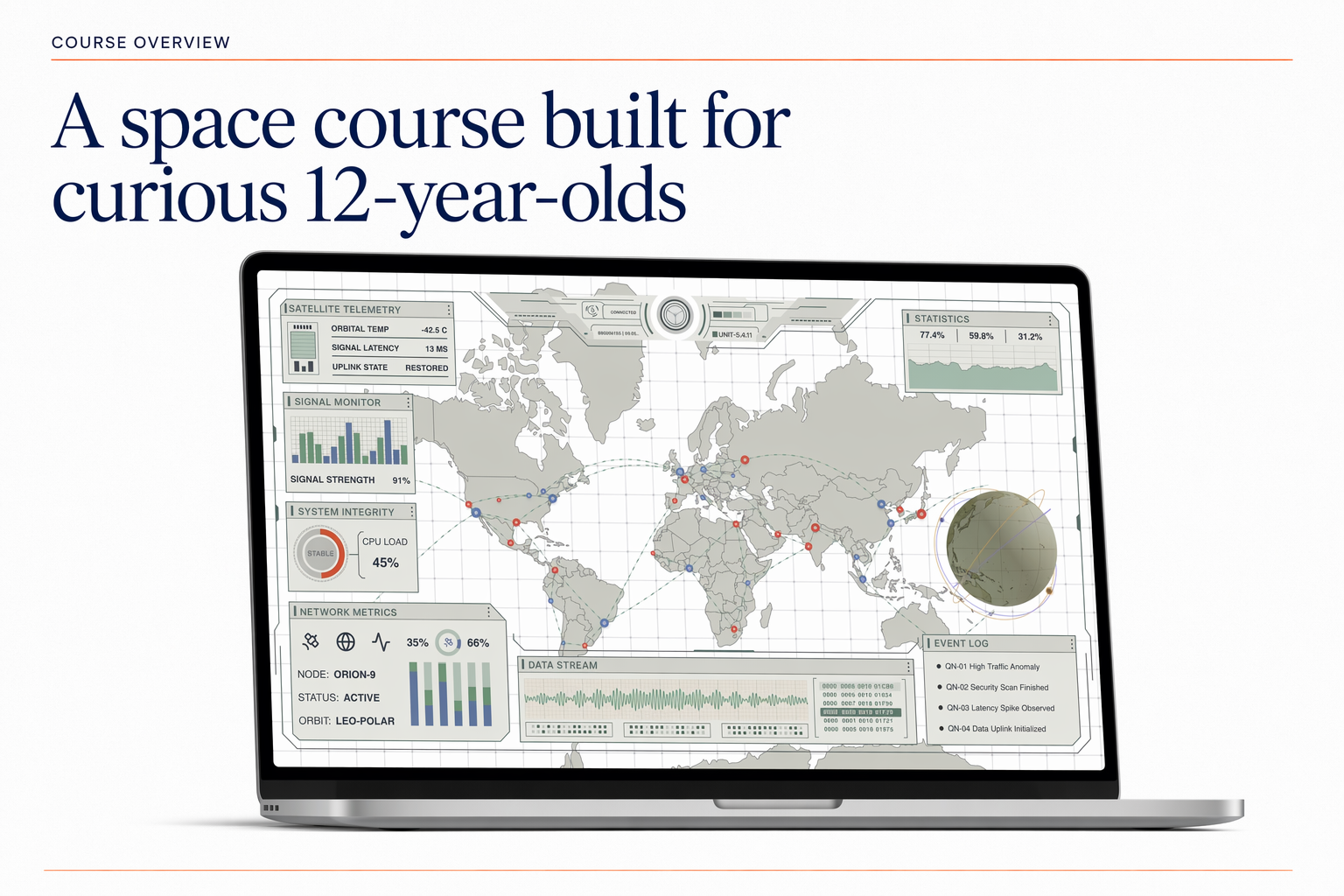
Mission Ops Dashboard
A space course for curious 12-year-olds, built around a custom interactive dashboard.
Cinematic AI Avatar Lesson Video
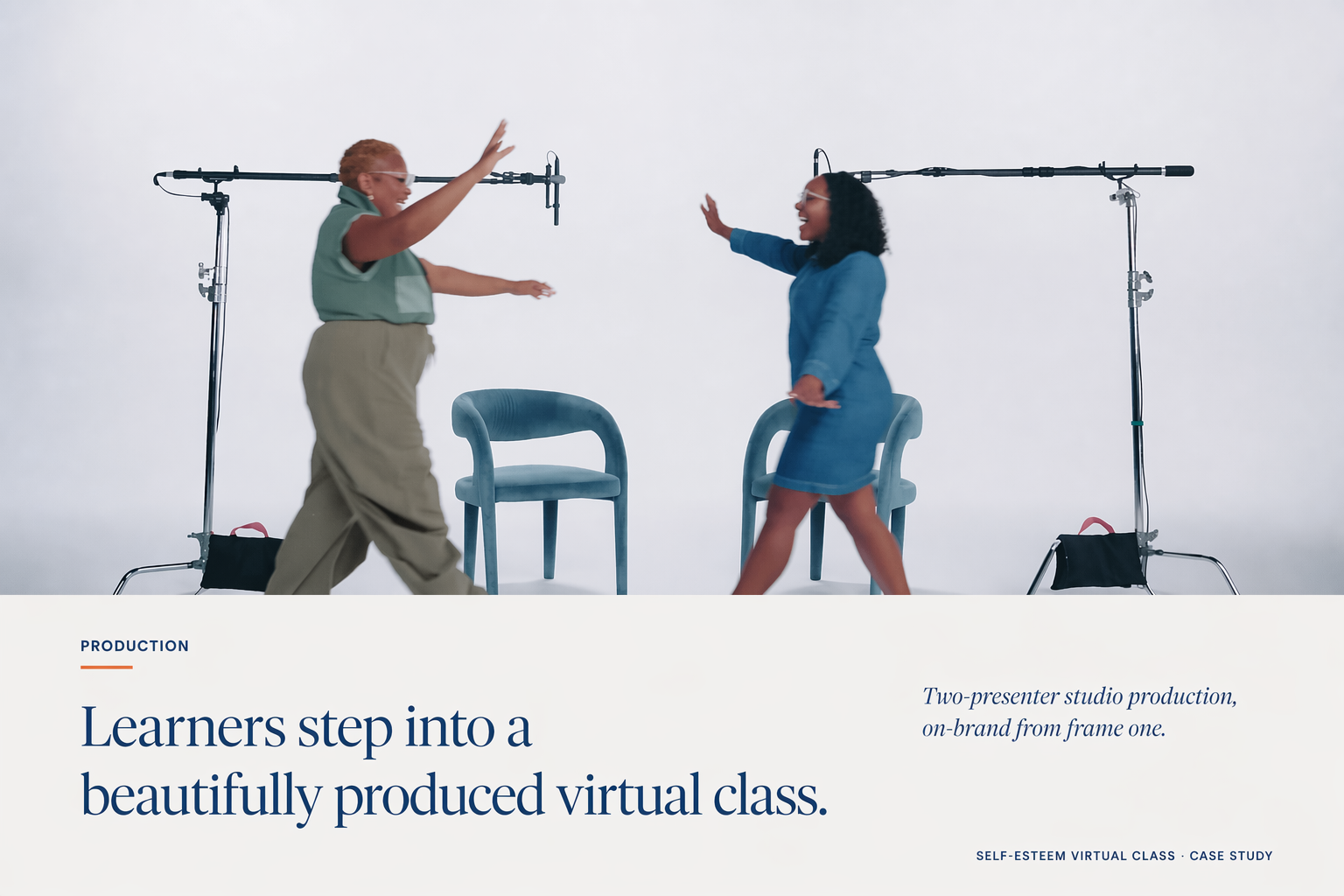
A polished AI avatar lesson video with two hosts, sound design, designed slides, micro-animations, and hand-crafted B-roll.

AI Rapid Fire — Sales Objection Drills with an AI Coach
A rapid fire AI tutor that drills sales reps on customer objections with type, click, and voice input, with sub-second feedback.